Counterrotating rollers
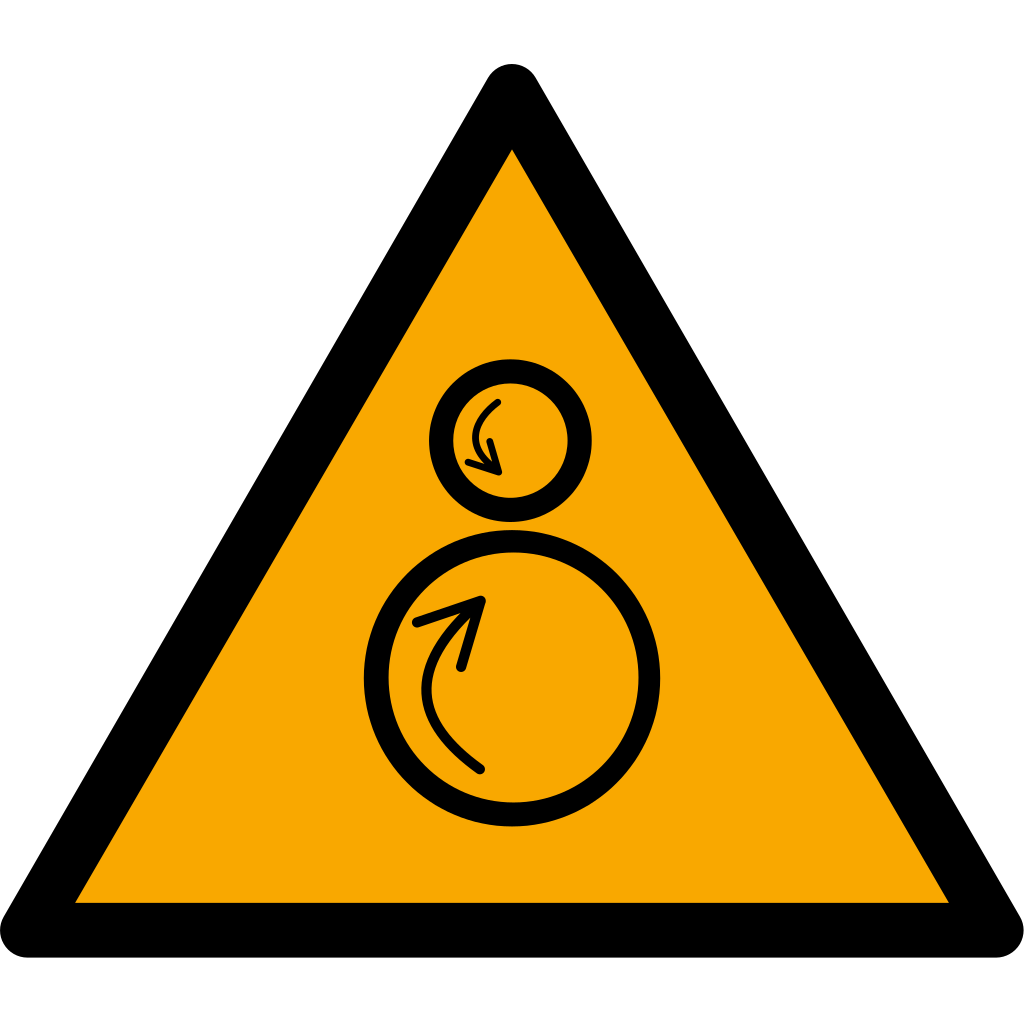
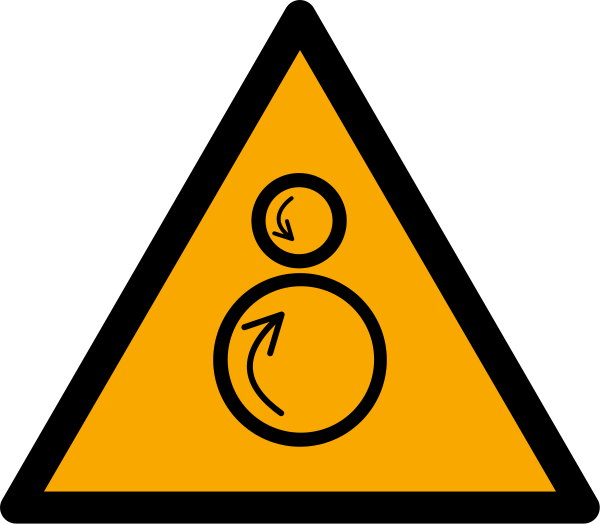
Warns of counterrotating rollers.
Understanding this sign
Yellow triangular signs draw attention to a hazard, such as electricity, moving machinery, or a hot surface.
A warning pictogram does not state the severity, safe distance, or protective measures. Read the accompanying instructions.
The In-Running Nip
W025 depicts a hand being drawn between two rollers turning toward each other — the in-running nip point, one of the oldest and most unforgiving hazards in mechanized industry. Anything entering the gap on the in-running side is gripped and pulled through: paper web, fabric, a rag used for cleaning, a glove, then the hand holding it. Because the rollers feed continuously, the entrapment deepens in fractions of a second, faster than any human reaction.
The sign's territory is machinery built around roller pairs: printing press units, laminators and calenders, rubber and plastics mills, rolling mills, paper machines, ironers in industrial laundries, wringers, dough sheeters and pasta rollers in food production, and the pinch between a conveyor belt and its drive drum or return idler. Nip points also form between a roller and a fixed bar or the material web itself.
Regulatory Context
OSHA calls out nip points explicitly: 1910.212 lists in-going nip points among the machine hazards that guarding must protect against, and 1910.216 imposes specific requirements — including safety trip controls within reach of the operator — on mills and calenders in the rubber and plastics industries. Nip guards, barrier bars, interlocked covers, and emergency trip wires or body bars are the recognized engineering answers; the yellow triangle addresses only what those cannot reach.
Under ISO 12100, roller machinery designers reduce the hazard first through gap design, guarding to reach-distance standards, and controls such as safely reduced inching speed for cleaning and web feeding. W025 then appears in the machine's markings and manual as residual-risk information — most importantly at points that must stay accessible for threading, cleaning, and jam clearing while the rollers can still turn.
Where the Sign Earns Its Keep
Mount W025 at each accessible nip on the in-running side: infeed tables of laminators and sheeters, web lead-in points on printing units, calender banks, conveyor head and tail drums where the belt meets the pulley, and laundry ironer feed ribbons. Cleaning deserves particular attention — a large share of roller entrapments happen while wiping running rolls, so the sign at cleaning access points should be backed by a hard rule that rolls are cleaned only when stopped or in a protected inch mode.
Sensible companions include W018 where the rollers can restart automatically after a web-break or fault reset, P010 or a no-gloves instruction where a glove would be seized before skin, and prominent marking of the trip bar or emergency stop that serves the nip. Loose clothing, lanyards, and long hair bans near roller lines are usually communicated by supplementary text alongside the triangle.
W025 Among the Machinery Warnings
Choose W025 over W024 when the mechanism draws inward rather than closing: a press traps what is between its faces, while a roller pair actively pulls in whatever touches the nip, so keeping a safe distance from the gap — not just out of it — is the message. For rotating shafts that wrap and wind rather than pull through, general moving-machinery warnings and guarding practice apply; the counterrotating pictogram would misdescribe that hazard.
The sign is equally at home in small workplaces that rarely think of themselves as heavy industry. Bakery sheeters, print-shop laminators, and laundry ironers have produced severe hand injuries in businesses with no other machinery on site, and W025 at the infeed is often the only ISO 7010 machinery warning such premises need.
Where you will see W025
Printing press units, laminators, calenders, rubber and plastics mills, paper machines, industrial laundry ironers, and dough sheeters all carry it at accessible nips on the in-running side. Conveyor head and tail drums where the belt meets the pulley are marked the same way, and cleaning access points deserve it most, since many roller entrapments happen while wiping running rolls.
Common questions about W025
What does the W025 counterrotating rollers sign warn about?
It marks an in-running nip point: two rollers turning toward each other that will grip and pull in anything entering the gap — material, rags, gloves, hair, and hands. Keep clear of the in-running side, never clean or touch rollers while they turn, and know where the trip bar or emergency stop is before working at the machine.
Which machines typically carry the W025 sign?
Printing presses, laminators, calenders, rubber and plastics mills, rolling mills, paper machines, industrial laundry ironers, dough sheeters, and conveyor drive drums. Any pair of powered rollers with an accessible gap on the in-running side is a candidate, regardless of the industry.
Does OSHA require guarding of roller nip points or is a warning sign enough?
Guarding is required. OSHA 1910.212 names in-going nip points among the hazards that must be guarded, and 1910.216 adds specific rules such as safety trip controls for rubber and plastics mills and calenders. The W025 sign covers residual access points like threading and cleaning positions; it cannot stand in for nip guards or trip devices.
Why are gloves dangerous around counterrotating rollers?
A glove touching the nip is seized before the wearer feels anything, and the roller pulls the hand in with it. For that reason many roller operations prohibit gloves at the infeed, posting the rule alongside W025, and rely instead on distance, guarding, feed tools, and stopping the rolls for any cleaning.
Reference details
| Symbol code | W025 |
|---|---|
| Sign family | ISO Warning Signs |
| Standard reference | ISO 7010:2019 / ISO 3864-1 ISO Online Browsing Platform: W025 |
| Screen color reference | #FFCC00. Screen colors are not a production color specification. |
| Download formats | SVG reference artwork; a 1024 × 1024 pixel PNG conversion on a white canvas. |
| Record date | · How to interpret our dates |
| Page updated |
Choosing a physical sign size
Download dimensions are not installation dimensions. Select sign size, material, placement, and lighting using the applicable standard and the actual viewing conditions. Chemical label sizing follows its own rules. Read the artwork and sizing guide.
Sources and artwork credits
- Artwork source
- Wikimedia Commons file page
- Creator credited by source
- MaxxL
- License
- Public domain
- Source metadata checked
SVG files are local reference copies. PNG files are raster conversions. Check the linked file history and license terms before reuse; a source-metadata check is not certification of the artwork or a workplace installation.
Report a correction to this reference